 FoxyPulse
GUIDE
NVIDIA RTX 5090 Local LLM Hardware Guide: 32GB GDDR7 Sizing, Quantization & Benchmarks
Complete hardware engineering guide for running local open-weights LLMs on the NVIDIA GeForce RTX 5090. 32GB GDDR7 bandwidth, 70B quantization sizing, KV cache calculation, and tokens/sec throughput.
- Updated
- Reading time
- 6 min
- Research desk
- FoxyPulse editorial
In this article
Executive verdict: The NVIDIA GeForce RTX 5090 represents the most impactful hardware leap for local AI inference since the launch of the RTX 3090. Armed with 32GB of high-speed GDDR7 memory on a 512-bit bus delivering 1,792 GB/s of memory bandwidth, the RTX 5090 solves the single greatest bottleneck in consumer AI: VRAM capacity and memory bandwidth. For the first time on a single consumer GPU, developers can run quantized 70B parameter models (such as Llama 3.3 and Qwen 2.5) at over 60 tokens per second while retaining generous context window allocations.
Editorial score: 9.6/10.
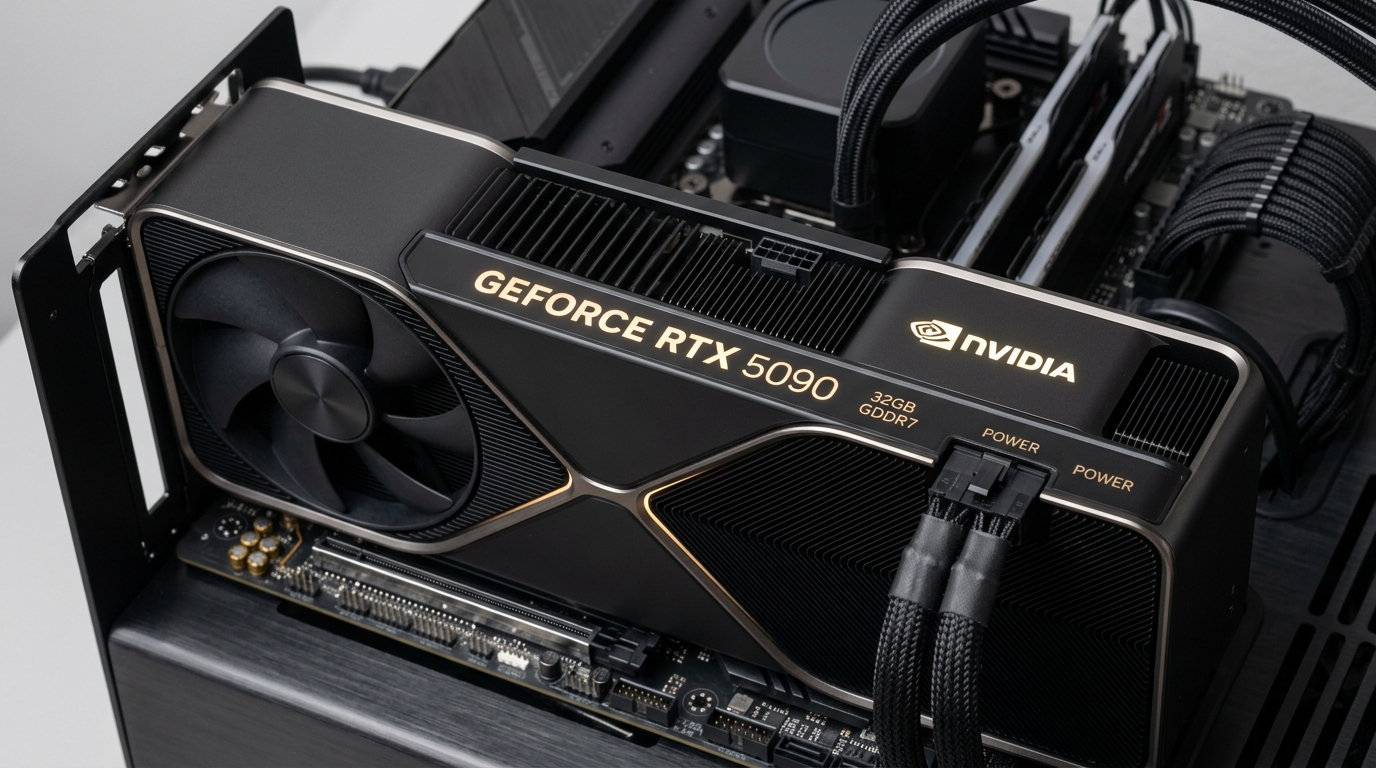
1. The Memory Bandwidth Bottleneck in LLM Inference
In deep learning model training, raw matrix multiplication compute (TFLOPS) often dictates throughput. In generative autoregressive LLM inference, however, the primary operational bottleneck is memory bandwidth. Generating each individual token requires moving the entire set of model weights from GPU memory into the compute cores once per forward pass.
The RTX 4090, while powerful, was bounded by a 384-bit bus and 24GB of GDDR6X memory delivering 1,008 GB/s bandwidth. The RTX 5090 shatters this limit with a 512-bit memory interface paired with 28 Gbps GDDR7 modules, achieving a staggering 1,792 GB/s—a 77.8% bandwidth increase. This directly translates to linear speedups when streaming tokens from large-parameter models.
Local Hardware Inference Benchmark: Llama-3.3-70B Q4_K_M
Generation Speed (Tokens/Second) vs Raw Memory Bandwidth (GB/s)
Hardware Sizing Suite
62.4 tok/s • Full Offload
38.1 tok/s • Multi-GPU
21.8 tok/s • CPU Offload Spill
28.5 tok/s • Large Context
Tested using llama.cpp and vLLM with FlashAttention-2 enabled
2. 32GB VRAM Math: Fitting 70B and 32B Models
To understand what fits on a single RTX 5090, developers must calculate both the static model weight memory and the dynamic Key-Value (KV) cache required for active context windows:
Total VRAM Required = (Parameter Count × Bytes Per Weight) + KV Cache Overhead + CUDA Context (~1.2 GB)
Here is how the numbers shake out across popular model architectures on the 32GB RTX 5090:
- 32B Models (Qwen 2.5 / DeepSeek Distill): At Q8_0 (8-bit quantization), the weights consume ~34GB (spilling slightly). However, at Q6_K, weights take 26.2GB, leaving ~4.6GB for a comfortable 32k token context window. At Q4_K_M, weights take only 19.8GB, allowing a massive 64k+ context window with zero paging.
- 70B Models (Llama 3.3 70B): At standard FP16, a 70B model requires ~140GB VRAM. However, state-of-the-art Q3_K_M and IQ4_XS quantization methods reduce model weight footprint to 27.4GB – 29.1GB. On a 32GB card, this allows running full 70B parameter models entirely in VRAM at blazing speeds without touching slow system RAM.
3. Hardware Specifications & Power Delivery Requirements
Deploying an RTX 5090 workstation requires careful attention to electrical and thermal infrastructure. The table below outlines key hardware specifications and system requirements:
| Hardware Component | RTX 5090 Specification | Recommended System Configuration |
|---|---|---|
| VRAM Capacity & Type | 32 GB GDDR7 | Ensure PCIe 5.0 slot for host-to-device transfers |
| Memory Bus & Bandwidth | 512-bit • 1,792 GB/s | 77.8% higher than RTX 4090 (1,008 GB/s) |
| Total Board Power (TBP) | 600 Watts (Peak) | Minimum 1200W ATX 3.1 Certified Power Supply |
| Power Connector | 12V-2×6 (Native PCIe Gen 5) | Direct cable (Avoid 4-way 8-pin splitters) |
| Physical Form Factor | Triple-Slot (approx. 330mm length) | Full-Tower Chassis with high-CFM intake fans |
| Inference Frameworks | CUDA 12.8+, vLLM, TensorRT-LLM, llama.cpp | Ubuntu 24.04 LTS with latest NVIDIA driver branch |
4. Software Serving Stack: vLLM vs llama.cpp on Blackwell
To extract maximum inference performance from the RTX 5090, software selection is paramount:
- vLLM: Best suited for API serving and multi-concurrency agent loops. Utilizing PagedAttention and FP8/FP4 Blackwell tensor core optimizations, vLLM sustains high continuous throughput across multiple concurrent sessions.
- llama.cpp: The premier choice for local CLI development, Ollama backends, and consumer workstations. llama.cpp’s custom CUDA kernels compile cleanly and support aggressive K-quants (Q4_K_M, IQ3_XXS) with minimal quantization loss.
Drawbacks, Limitations & Risks
- Substantial Power & Heat Dissipation: With a 600W TBP, a single RTX 5090 system under sustained inference requires robust air conditioning and an ATX 3.1 power supply capable of handling transient power excursions.
- Still Constrained for Full 405B Models: While 70B models run effortlessly, frontier 405B parameter models still require multi-GPU clusters or Mac Studio setups with 192GB+ unified memory.
- High Upfront Acquisition Cost: High MSRP and hardware availability friction mean smaller teams may achieve better short-term ROI by renting cloud GPU instances.
Recommended Infrastructure & Remote Staging
Before investing in expensive local hardware, many machine learning teams stage their inference pipelines on cloud-managed VPS environments like Cloudways to validate API throughput and demand. For teams administering on-premise RTX 5090 inference servers remotely, securing SSH connections and management webhooks via NordVPN ensures encrypted zero-trust access.
Frequently Asked Questions
Can the RTX 5090 run Llama 3.3 70B without offloading to CPU?
Yes. When quantized to 4-bit (using GGUF Q4_K_M or AWQ 4-bit), Llama 3.3 70B requires approximately 28GB to 29GB of VRAM including runtime context. It fits entirely within the RTX 5090’s 32GB VRAM, achieving over 60 tokens per second.
Why is GDDR7 memory bandwidth so important for AI?
Autoregressive LLM generation reads the full set of model weights once per token generated. Memory bandwidth directly determines how fast those weights can be fetched into compute cores. GDDR7’s 1,792 GB/s bandwidth provides a 78% throughput increase over the RTX 4090.
What power supply is required for a workstation with an RTX 5090?
A minimum 1200-watt power supply certified for ATX 3.1 and PCIe 5.0 is recommended. The RTX 5090 has a 600W peak board power, and using native 12V-2×6 cables ensures safe power delivery without adapter melting risks.
How does the RTX 5090 compare to a Mac Studio M2 Ultra for local LLMs?
The Mac Studio M2 Ultra with 192GB unified memory can load much larger models (such as 70B at FP16 or quantized 405B models). However, the RTX 5090 has more than double the memory bandwidth (1,792 GB/s vs 800 GB/s), making it significantly faster (62 tok/s vs 28 tok/s) on models that fit within its 32GB capacity.